what?
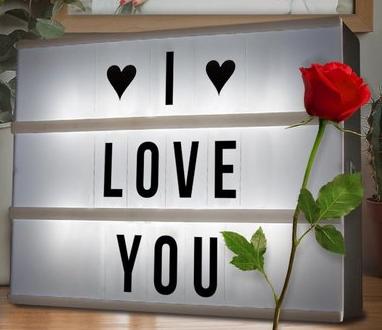
The topic of this page are the cheap boxes that you can buy everywhere. They come with plastic cards that you can slide into it and then switch on the light in the box. Like this one:
the idea
I found them (in 2019) to be rather dull. I thought: wouldn't it be nice to do something with LEDs with them? So came the idea to put LED matrixes in them, and after a bit I added an Arduino (well, an ESP8266) with software which allows a videostream to be displayed on it. Videostream: only two colors (red & black) but it still looks nice.
It started with only a scrolling text, then the videostream I mentioned was added (LZJB compressed and later distributed via multicast as more and more of these devices were placed at NURDspace). Next was pixelflood (pixelflut), DDP and were will it end...? (my parents already have one with an HUB-75 RGB panel it)
at NURDspace
Here's one hanging on a wall at NURDspace:
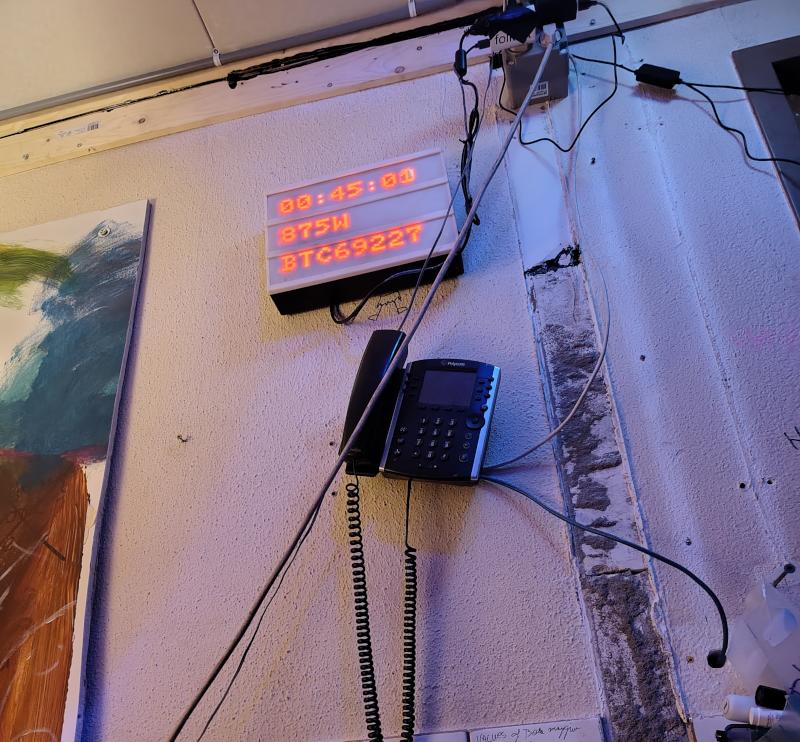
There's also a project-page at the NURDspace wiki: https://nurdspace.nl/Rookholticker with more pictures.
For an other hackerspace in the Netherlands I also made a special one which you can be controlled remote via MQTT: we can then send them nice messages, invite them for a beer or cola or so, without leaving a chair.
hardware
As mentioned, they use LED matrixes or HUB-75 panels. The LED matrix ones have 2 USB cables: one for the ESP8266 and one to deliver power to the LEDs: you don't wnt to power them through the ESP as the current (at full brightness) can be something like 23 ampere - when you run them at full brightness; I run them at 7% brightness which is less than 2 ampere. I power them with the Ikea SMÅHAGEL.
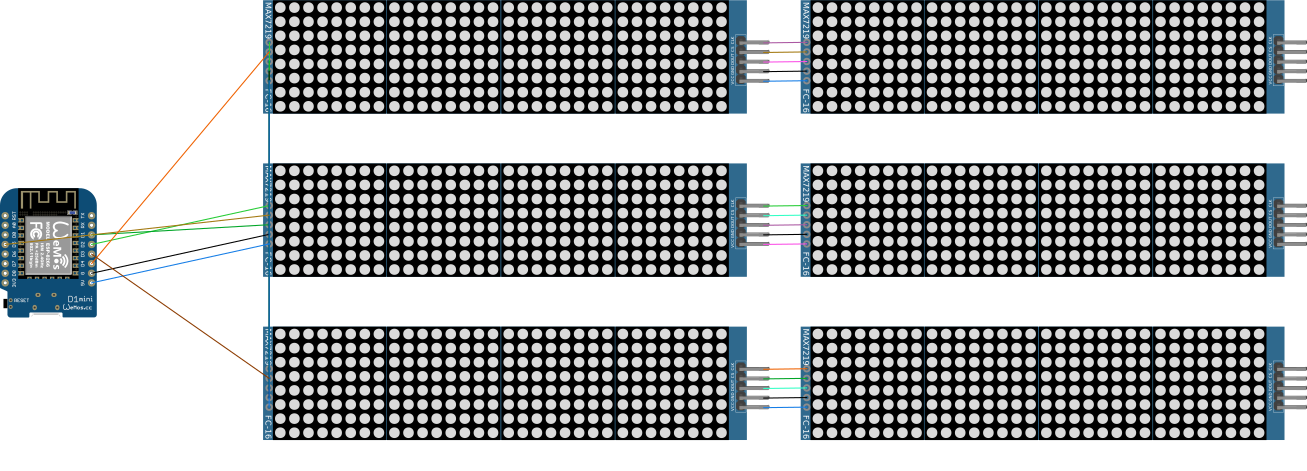
Connections: connect the 5V and GND of the LED matrixes to some powersource. Connect the GND of the matrixes to the ESP8266 as well. Then connect all the matrix LED DATA pins to pin D1 of the ESP8266 and all the CLK pins to D2. Then the connect the CS pin of the top matrixes to D3, the middle to D4 and the bottom to D5. That's it!
software
Some example software can be found at this github location.
If you want to talk to it, you can use the Pixel Yeeter python library to write a script that sends DDP/Pixelflood to it. You can also use e.g. LedFX (DDP protocol). Last but not least it can display texts received on port 5001 via UDP (due to the number of pixels, the text is limited to 9 characters per line).
When you browse with your web-browser to the IP-address of the device (shown when the device starts up), then you can toggle and/or configure functionality.
By tweaking the LedControl library (resulting in this fork) I managed to increase the raw framerate from 18 fps to 1435 fps - that is 2.2 Mb over a couple of dupont wires! (ESP8266 running at 160 MHz)
build
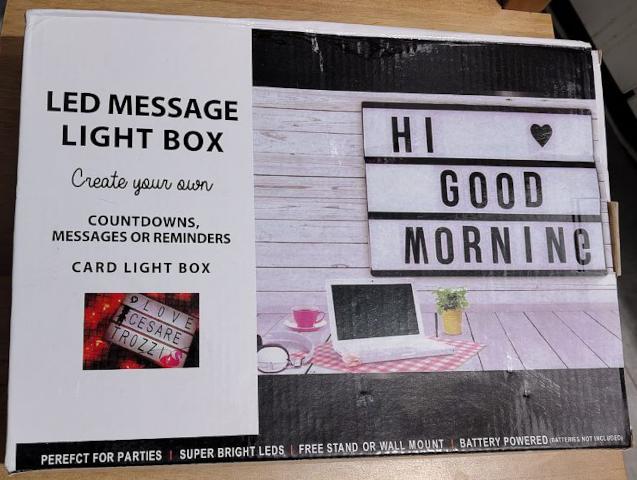
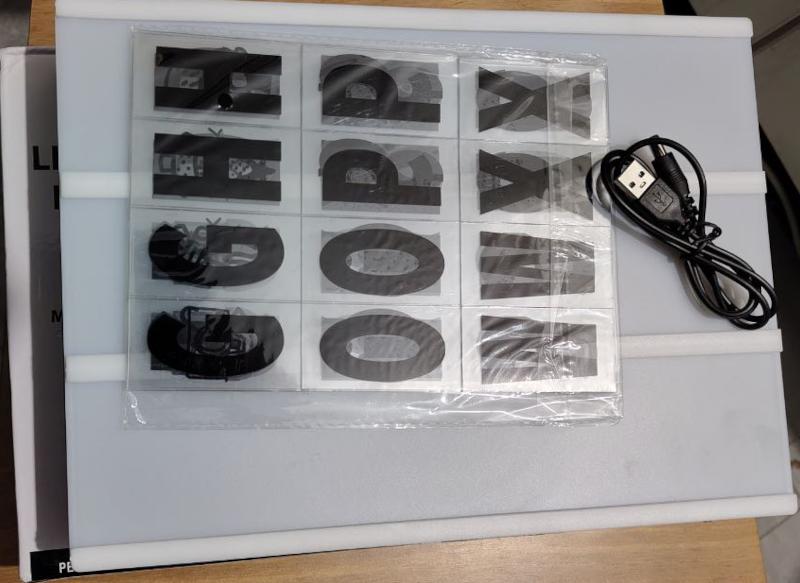
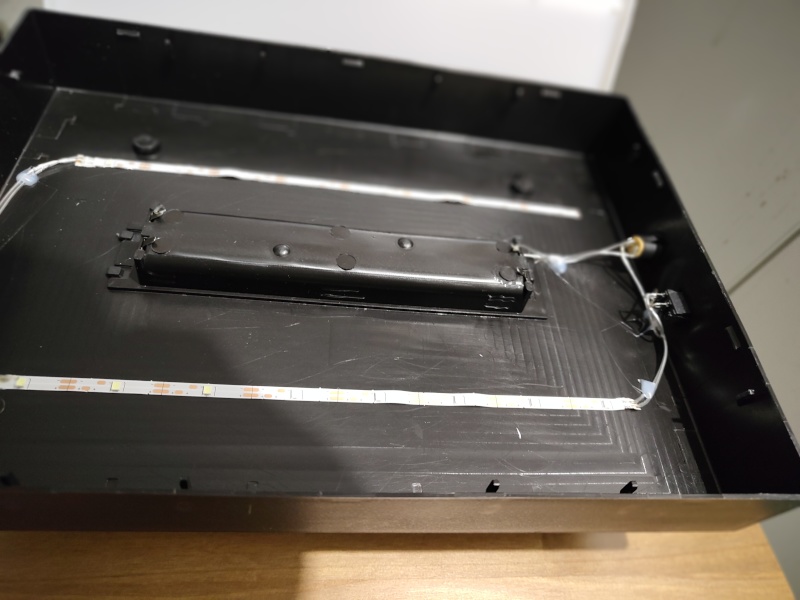
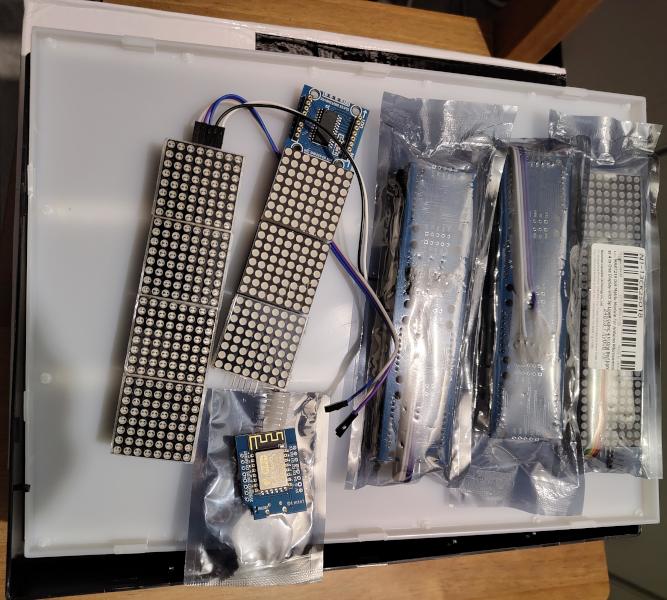
It is not enough to only connect Vcc/Gnd to the pins of the matrixes because of voltage drop: you need to connect halfway and at the end too, see photograph.
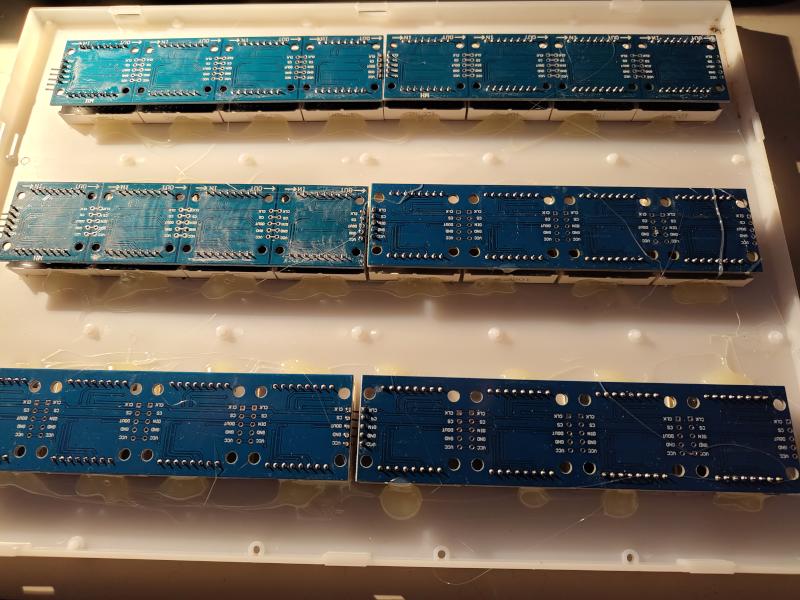
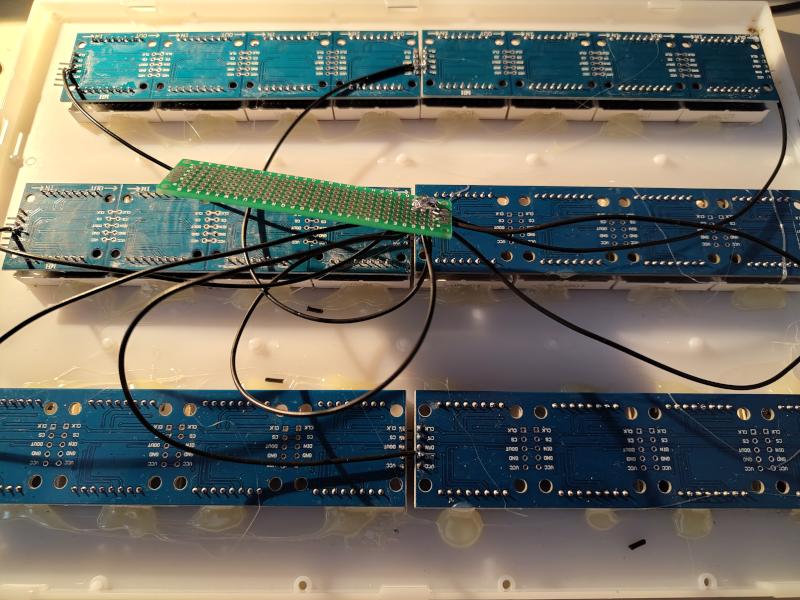
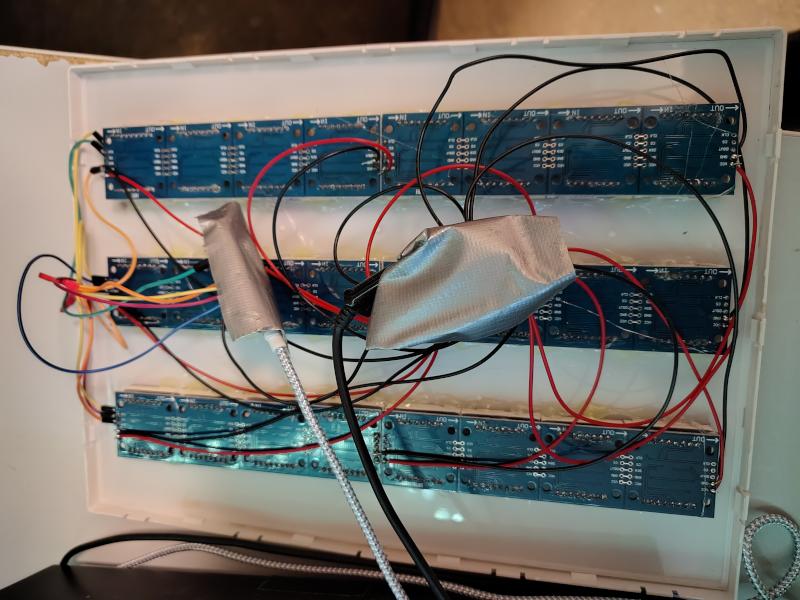
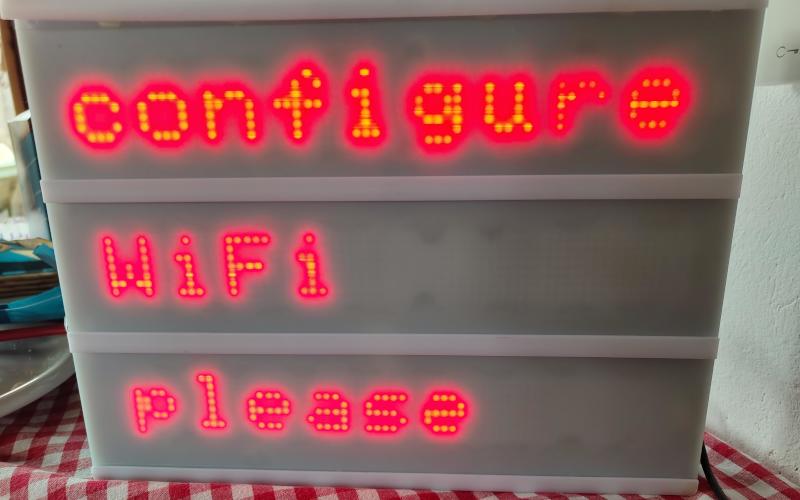
For a newer model I connected the 5 V of the ESP8266 to the switch that is usually in the box. This allows one to reset the ESP8266 after the LEDs have been enabled. That is sometimes required because the initialization of the LED matrixes sometimes fails.
examples
examples
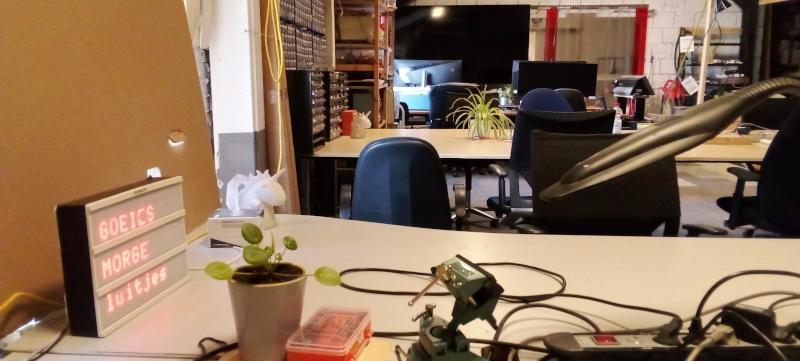
DDP streaming plasma
schematics
Altough the circuit is not too difficult, here is a schematic drawn in fritzing which looks like this: